Searching for TVNado channels usually means you want a direct answer to three questions: Does the lineup include the content you watch, will it work on your devices, and which subscription makes sense for your household? A large channel count alone cannot answer those questions.
This guide explains the advertised TVNado channel categories, how to verify a specific station before paying, the role of the electronic program guide, supported devices, current plan prices, and the trial terms shown on the website. It also highlights details that buyers should confirm because channel availability and plan information can change.
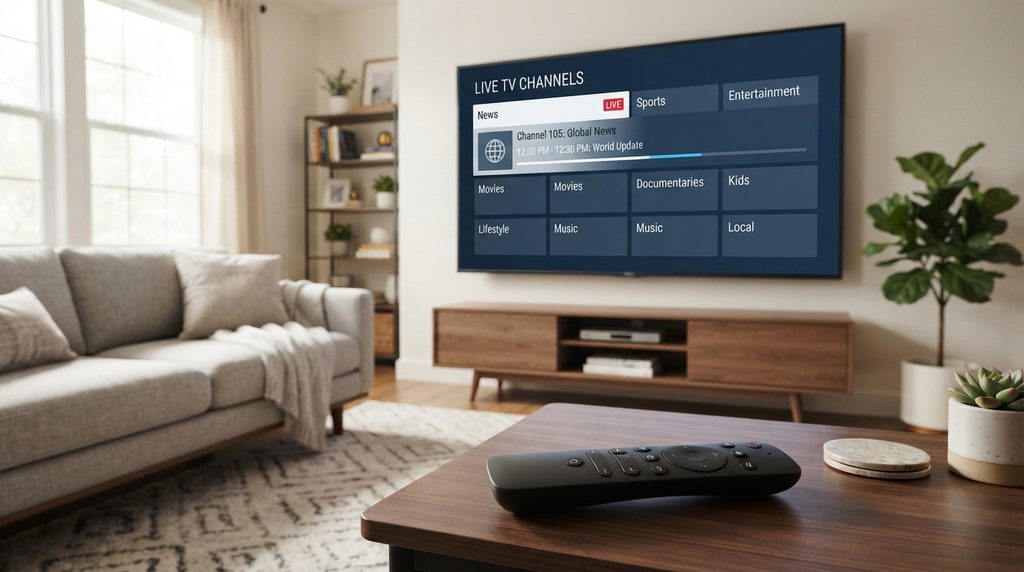
Table of Contents
Table of Contents
What Channels Does TVNado Include?
TVNado advertises a broad IPTV lineup covering live US and international television, sports, movies, news, entertainment, children’s programming, and video on demand. Its current plan cards advertise more than 30,000 live channels with an EPG, although the exact stations, regional feeds, and available resolutions may change.
The lineup’s value depends on more than its headline number. A regional-news viewer has different needs from someone focused on sports or international programming.
Before subscribing, treat the published TVNado channel list as a discovery tool rather than a permanent guarantee. Live-streaming lineups can be reorganized, renamed, added, or removed. Ask support to confirm any must-have channel when the public list is unclear.
What the Advertised Channel Count Really Means
The plan cards on the official TVNado website currently advertise 30,000+ channels with EPG, while some other sections mention different totals. Large libraries can include regional versions, multiple resolutions, backup feeds, and country or language groups. Ask whether your essential stations are available in the correct region, language, quality, and schedule.
TVNado Channel Categories
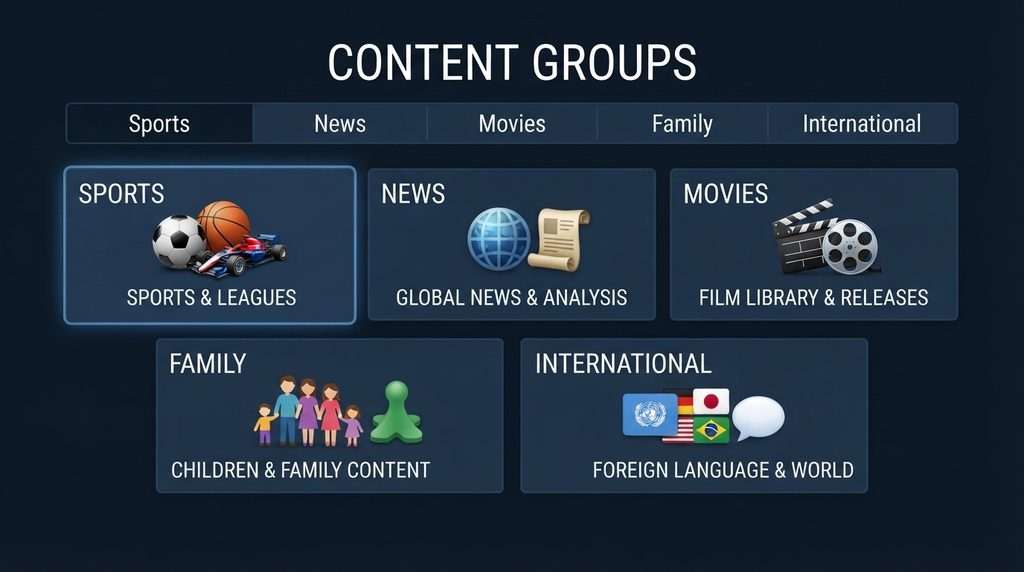
The lineup is designed for viewers who want several content types inside one subscription. The following table shows the principal categories advertised across TVNado’s website and what a buyer should verify in each one.
| Category | What You Can Expect to Look For | What to Verify Before Buying |
|---|---|---|
| US television | National, local, entertainment, and regional groups | Your city or market, local affiliate, time zone, and picture quality |
| Sports | Live sports networks, event feeds, and international sports groups | The exact competition or network, blackout conditions, and event-time performance |
| Movies and entertainment | Movie networks, general entertainment, and scheduled programming | Language, subtitles, audio track, and HD or 4K availability |
| News and business | US and international news categories | Regional feed and whether the stream is live |
| Kids and family | Children’s and family-oriented programming | Preferred language and parental-control options in the player |
| Spanish-language content | Spanish-language and regional groups | Country, US Hispanic feed, and correct audio |
| International channels | Programming grouped by country or language | Exact country package, time zone, and subtitles |
| VOD | Movies and series available on demand | Title availability, episode order, audio, subtitles, and resolution |
TVNado USA Channels
For an American buyer, local availability deserves special attention. TVNado promotes local US networks, national entertainment, news, sports, and premium movie content. However, “USA channels” does not necessarily mean that every local station from every television market is included.
Make a short list of the stations that matter most to you. Include the city or affiliate when requesting confirmation. “Do you carry my local channel?” is vague; “Is the current New York feed available in HD?” gives support a question they can answer precisely.
Time zones matter as well. East Coast and West Coast feeds may follow different schedules. If you regularly watch a program live, confirm which feed appears in the guide.
Sports and Live Events
Sports viewers should test during a real game or event whenever possible. Check:
- Startup time and stream stability
- Audio and video synchronization
- Whether the feed is actually live or significantly delayed
- Resolution during the event, not only in the menu
- Availability of alternate or backup feeds
- EPG accuracy for the competition you follow
Confirm the competitions and event feeds you need. Content rights and availability can vary by location, so use streaming services only where you are authorized to view the content.
Movies, Series and Video on Demand
TVNado sells access to live channels and a separate video-on-demand library. The current site uses different VOD totals in different areas, ranging from more than 120,000 to more than 140,000 titles. Because catalogs change, buyers should focus on organization and playback quality rather than a single headline figure.
During a test, open several items instead of checking only the cover art. Verify that episodes are in the correct order, the selected audio language plays, subtitles work where offered, and the quality matches the label.
VOD is useful for flexible viewing, but it is not the same as catch-up TV. VOD contains separately listed movies and shows. Catch-up, when available for a channel, lets you replay recently aired programming from the guide. Ask which channels support catch-up and for how long because the feature may not apply to every feed.
International and Multilingual Programming
An international library can be valuable for multilingual households but can make the menu feel crowded. Use favorites and category-hiding tools to keep relevant countries and languages easy to reach.
How to Check a Specific TVNado Channel
Search the official channel-list page first. If the station is missing or its regional feed is unclear, contact TVNado support with the full channel name, country or city, preferred language, and required resolution. Then confirm it during the trial on the device and internet connection you plan to use.
Follow this process:
- Open the TVNado channel list.
- Search by the full station or network name.
- Check the country, region, language, and available feed.
- Ask support about any must-have station that is not clearly listed.
- Test the stream at the time you normally watch it.
- Save a screenshot or written confirmation of the answer.
This approach is more reliable than depending on an old review, social-media post, or third-party website. Several unrelated sites use similar TVNado names and show different channel counts, prices, and policies. For this article, the relevant service is the one at tv-nado.net.
Features That Affect the Viewing Experience
Electronic Program Guide
An electronic program guide, or EPG, displays current and upcoming programs. Test whether favorite channels show the correct name and time because coverage and accuracy may differ by feed.
HD, Full HD, HEVC and 4K Labels
TVNado advertises SD, HD, Full HD, HEVC, and 4K content. These labels describe different characteristics: resolution refers to picture detail, while HEVC is a video-compression format. Your device, app, television, internet connection, and the original source all affect the result.
A 4K television does not turn every stream into native 4K. Confirm the quality of specific feeds during playback and make sure your hardware supports the format.
Catch-Up TV
TVNado’s subscription page advertises catch-up, but buyers should not assume that every channel includes it. Ask which stations are supported and how much recent programming remains available.
Multiple Connections
A connection is a simultaneous stream. You might install the service on a television, phone, and tablet but need only one connection if you never watch on more than one screen at the same time.
Choose two connections if two household members may watch concurrently. Buying more connections than you use raises the cost without improving the picture or adding channels.
Which Devices Work With TVNado Channels?
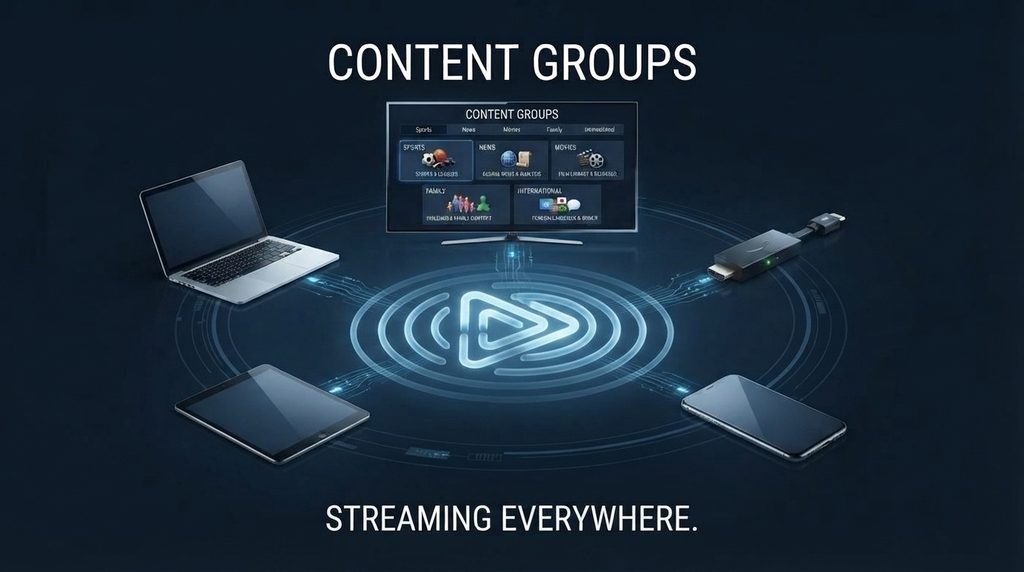
TVNado advertises support for Fire TV devices, Android TV and Android boxes, Smart TVs, phones, computers, Apple TV, MAG boxes, VLC, Enigma2, and other compatible platforms. In many cases, the service credentials are entered into a separate IPTV player rather than a single universal TVNado app.
| Device Type | Typical Setup Route | Check Before Subscribing |
|---|---|---|
| Amazon Fire TV | Install a compatible player, then add the supplied credentials | App availability, storage, Wi-Fi strength, and remote-friendly interface |
| Android TV or Google TV | Install a compatible app from the device’s app store | Player compatibility and supported login format |
| Smart TV | Use an IPTV player offered by the TV’s app store | TV operating system, app fees, and playlist support |
| Apple TV | Download a compatible player from the App Store | Player availability and supported credential format |
| Phone or tablet | Install a compatible iOS or Android player | Screen casting, mobile-data use, and background behavior |
| Windows or Mac | Use a compatible desktop player or supported media app | Codec support and secure credential storage |
| MAG or Enigma2 box | Configure the supported portal or playlist method | Exact model, firmware, and required device information |
Amazon provides official instructions for downloading apps on Fire TV. Google likewise explains how to find and install apps on Google TV, while Apple documents downloading apps on Apple TV.
Avoid installing an unfamiliar application from an unverified link. Ask TVNado which player and login method it officially supports for your exact model. Remember that a paid third-party player license may be separate from the TVNado subscription.
Internet and Connection Requirements
TVNado’s FAQ currently states a minimum of 10 Mbps for HD and recommends 25 Mbps or more for smooth 4K. Those figures are a starting point, not a promise. Other people, devices, downloads, Wi-Fi interference, and the route between your network and the streaming server can reduce available performance.
Run a speed test near the television, play an HD or 4K feed at peak viewing time, and compare Wi-Fi with Ethernet when possible. If sports is your priority, include a major live event in the test.
Amazon states that 4K playback on Fire TV needs a high-speed connection of at least 15 Mbps, while noting that some apps recommend more. A stable connection and low congestion are often as important as the peak speed shown by a test.
TVNado Pricing and Plan Comparison
As checked on September 1, 2026, TVNado’s official pricing page lists the following starting prices for one simultaneous connection. Prices and terms can change, so confirm the total on the checkout page before paying.
| Duration | Advertised One-Connection Price | Approximate Cost per Month | Best Fit |
|---|---|---|---|
| 1 month | $17.99 | $17.99 | First-time buyer who wants limited commitment |
| 3 months | $37.99 | $12.66 | Viewer satisfied after testing but not ready for a year |
| 6 months | $67.99 | $11.33 | Regular viewer seeking a lower monthly equivalent |
| 12 months | $77.99 | $6.50 | Buyer who has already verified stability and channel fit |
The TVNado pricing page also lists options for two to five simultaneous connections. Review the exact combination of duration and connection count because the price increase is not uniform across every plan.
Which Plan Offers the Best Value?
The 12-month plan has the lowest advertised monthly equivalent for one connection. That does not automatically make it the best first purchase. A shorter plan limits your commitment while you learn how the service performs over time.
Choose one month if you are new, three or six months after confirming stability, and twelve months only when you are comfortable with the lineup, support, setup, and policies. Add connections only for simultaneous viewing.
Longer terms trade flexibility for a lower monthly equivalent. Live-streaming lineups and service performance can change, so the cheapest monthly calculation is only one part of the decision.
Is There a TVNado Channels Trial?
TVNado’s trial page currently displays a 36-hour test priced at $3.99. Some headings and other sections use “free trial” or “risk-free” wording, so buyers should rely on the final order form and confirm the current price, duration, included content, and refund terms before submitting payment.
The TVNado trial page is the logical starting point if you want to check a specific device or channel. A useful trial should reproduce your normal viewing conditions.
Test at least the following:
- Three to five must-have live channels
- One sports or high-demand live feed
- One HD and one 4K stream, if available
- EPG accuracy and time zone
- VOD audio, subtitles, and episode organization
- App navigation and favorite-channel tools
- Support response to one real setup question
Playback quality and ease of use matter more than the size of the menu.
How to Choose the Right TVNado Plan
Step 1: Define Your Must-Have Content
Write down five to ten essential channels with their region, language, and required resolution. For sports, specify the competition or event.
Step 2: Count Simultaneous Viewers
Count screens that may stream at the same moment. Four installed devices may need only two simultaneous connections.
Step 3: Check Your Main Device
Confirm the exact device, player, separate app fee, and login method.
Step 4: Test Under Real Conditions
Use your normal device, network, room, and viewing time. Test during a live event if sports drives your decision.
Step 5: Review the Current Terms
Review refund, renewal, cancellation, privacy, support, and payment terms. Keep the receipt and order email.
Step 6: Start With Appropriate Commitment
A short first term limits risk. Extend the duration only after the service meets your needs.
How to Start Watching After Purchase
Setup varies by device and player:
- Choose the subscription duration and number of connections.
- Enter the correct email address on the order form.
- Complete payment through an available method.
- Check your inbox and spam folder for credentials and setup instructions.
- Install the recommended player from a trusted app store or official source.
- Enter the supplied login, playlist, or portal information exactly.
- Allow the channel list and EPG to finish loading.
- Open several live channels and save your favorites.
Keep login details private. If a request for credentials looks suspicious, contact support through tv-nado.net. The US Federal Trade Commission explains how to recognize phishing messages.
TVNado Channels: Pros and Limitations
| Potential Advantages | Points to Verify or Limitations |
|---|---|
| Broad advertised mix of US and international content | Published channel and VOD totals are inconsistent across some site sections |
| Live channels, EPG, VOD, and advertised catch-up options | Exact EPG and catch-up coverage may vary by channel |
| Plans from one to twelve months | A longer commitment increases exposure to future lineup or performance changes |
| Options for multiple simultaneous connections | Extra connections can increase the price substantially |
| Compatibility with many common device categories | A third-party player or separate app fee may be required |
| Short trial route for checking playback | Trial wording and the displayed $3.99/36-hour offer should be confirmed |
TVNado may suit viewers who value a broad international menu, want several content categories, and are comfortable using a compatible IPTV player. It may be less suitable for someone who requires a guaranteed local channel, wants an app available directly on every device store, or does not want to manage playlists and player settings.
Common Mistakes to Avoid
- Buying for the headline count: Confirm the small group of channels you actually watch.
- Confusing devices with connections: Count concurrent streams before paying for a multi-connection plan.
- Skipping the trial: Performance depends on your equipment, network, location, and viewing time.
- Assuming every feed is 4K: Test the actual stream and confirm device format support.
- Ignoring EPG time zones: Verify program times on priority channels.
- Using a look-alike website: Confirm the domain, policy pages, support address, and checkout total.
- Buying a year before testing support: Ask a real setup or lineup question and assess the response.
TVNado Channels Troubleshooting
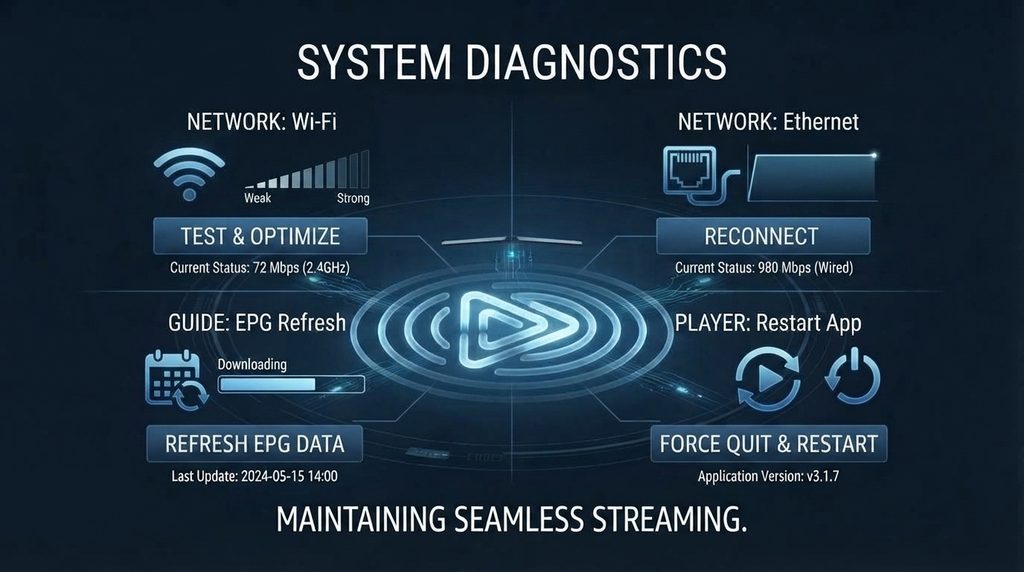
| Problem | First Checks | Next Step |
|---|---|---|
| Channel does not open | Try another channel, restart the player, and reload the playlist | Report the exact channel name, time, device, and error to support |
| Frequent buffering | Run a speed test, stop other downloads, and restart the router | Test Ethernet or 5 GHz Wi-Fi and compare another device |
| EPG is missing or incorrect | Refresh EPG data and confirm the device time zone | Ask whether the selected channel has current guide data |
| Login fails | Re-enter credentials carefully and check for extra spaces | Confirm that the subscription is active and the login method is correct |
| Only one device works | Stop playback on other devices and review the connection limit | Upgrade connections only if simultaneous viewing is required |
| VOD has no sound or subtitles | Change the audio track, subtitle track, or player | Test another supported player and report the title |
| 4K stream stutters | Test an HD version and check device codec support | Use Ethernet, reduce network load, or choose the stable HD feed |
When contacting support, include useful diagnostic information without exposing your full password publicly. State your device model, player name, internet type, channel, time of the problem, and the steps already tried.
Frequently Asked Questions
How many TVNado channels are available?
Current plan cards advertise more than 30,000 live channels with EPG, while other site sections show different totals. Treat the number as an estimate and verify the current lineup.
Does TVNado include US channels?
TVNado advertises local and national US content. Ask support to confirm the exact affiliate and region because local feeds can vary by television market.
Are TVNado sports channels included in every plan?
Sports are advertised, but confirm specific competitions, feeds, and regional limitations. Test during a live event when sports performance is central to your decision.
Can I watch TVNado on Firestick or Smart TV?
Advertised platforms include Fire TV, Android and Google TV, Smart TVs, Apple TV, phones, computers, and MAG boxes. Confirm the player and login method for your exact model.
Do I need a separate IPTV player?
Often, yes. Ask which player supports your device and whether it requires a separate one-time or recurring payment.
Can I watch on more than one device?
TVNado offers plans with one to five simultaneous connections. You may be able to install the service on several devices, but the connection count controls how many streams can play at once. Choose based on concurrent viewers.
Is the TVNado trial free?
The trial page currently displays a 36-hour test for $3.99, while some site wording refers to a free or risk-free trial. Check the final trial form and ask support to confirm the current charge and conditions before paying.
Does every TVNado channel stream in 4K?
No such conclusion should be drawn from the website’s 4K marketing. TVNado advertises SD, HD, Full HD, HEVC, and 4K formats, which means quality varies. Test the specific feed and confirm that your device, app, TV, and connection support it.
What internet speed do I need?
TVNado’s FAQ recommends at least 10 Mbps for HD and 25 Mbps or more for 4K. Allow extra capacity for other household activity and test at peak viewing time. Stability, Wi-Fi quality, and network congestion can matter as much as headline speed.
What should I do if a channel stops working?
Try a second channel, restart the player, refresh the playlist, and check your internet connection. If the problem affects only one feed, send support the channel name, time, device model, player, and error message so the issue can be identified faster.
Final Verdict: Are TVNado Channels Right for You?
TVNado’s advertised lineup is broad enough to interest US viewers, international households, sports fans, and people who want live TV and VOD in one subscription. The best reason to choose it is not the headline channel count; it is finding your must-have feeds in the right region and quality on a device that works reliably in your home.
Before committing, review the current channel list, confirm any essential stations, and test playback under real conditions. Then compare TVNado pricing and select the shortest plan and connection count that fit your present needs.